.
 .

 .
 .
 .
 .
 .
 .
 .
 .
 .
 .
 .

Startside Side 1
 |
 |
 |
Bulgarien Grækenland Rejseberetning KUG 2011 Side 1 |
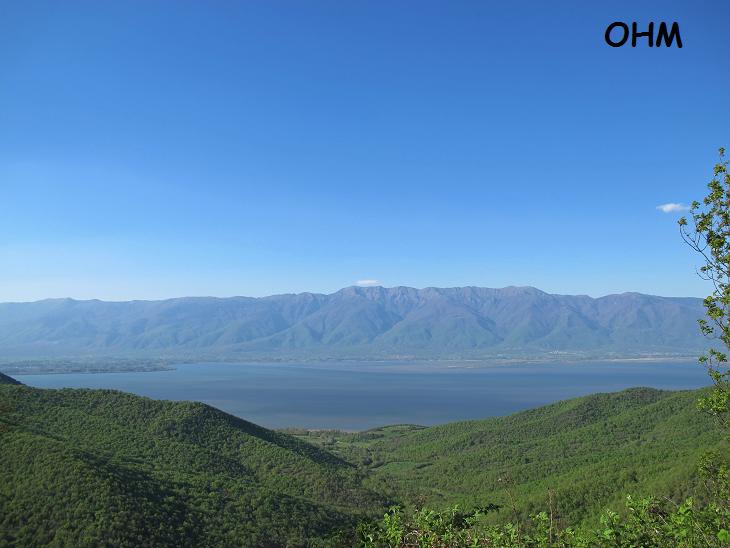
Vest for Kerkinisøen
Gennem bjergene vest for Kerkinisøen strækker sig et net af de sædvanlige græske grusveje, som er angivet på kortet med laveste rang og kvalitet. Nogle af dem er ikke veje, men gedestier. Den slags findes overalt i Grækenland, og det er op til den enkelte bilists vovemod og nervesystem, i hvilket omfang, man vil færdes på disse veje. Hvis man da ikke lige benytter traktor, firhjulstrækker, muldyr eller gåben. Vi kørte selvfølgelig som sædvanlig op ad disse grusveje for at se efter biotoper. Det er selvsagt i forbindelse med kørsel ad disse veje, at du finder flest uberørte pletter.
sssss,
Instructions
Be aware that the CSS for these layouts is heavily commented. If you do most of your work in Design view, have a peek at the code to get tips on working with the CSS for the fixed layouts. You can remove these comments before you launch your site. To learn more about the techniques used in these CSS Layouts, read this article at Adobe's Developer Center - http://www.adobe.com/go/adc_css_layouts.
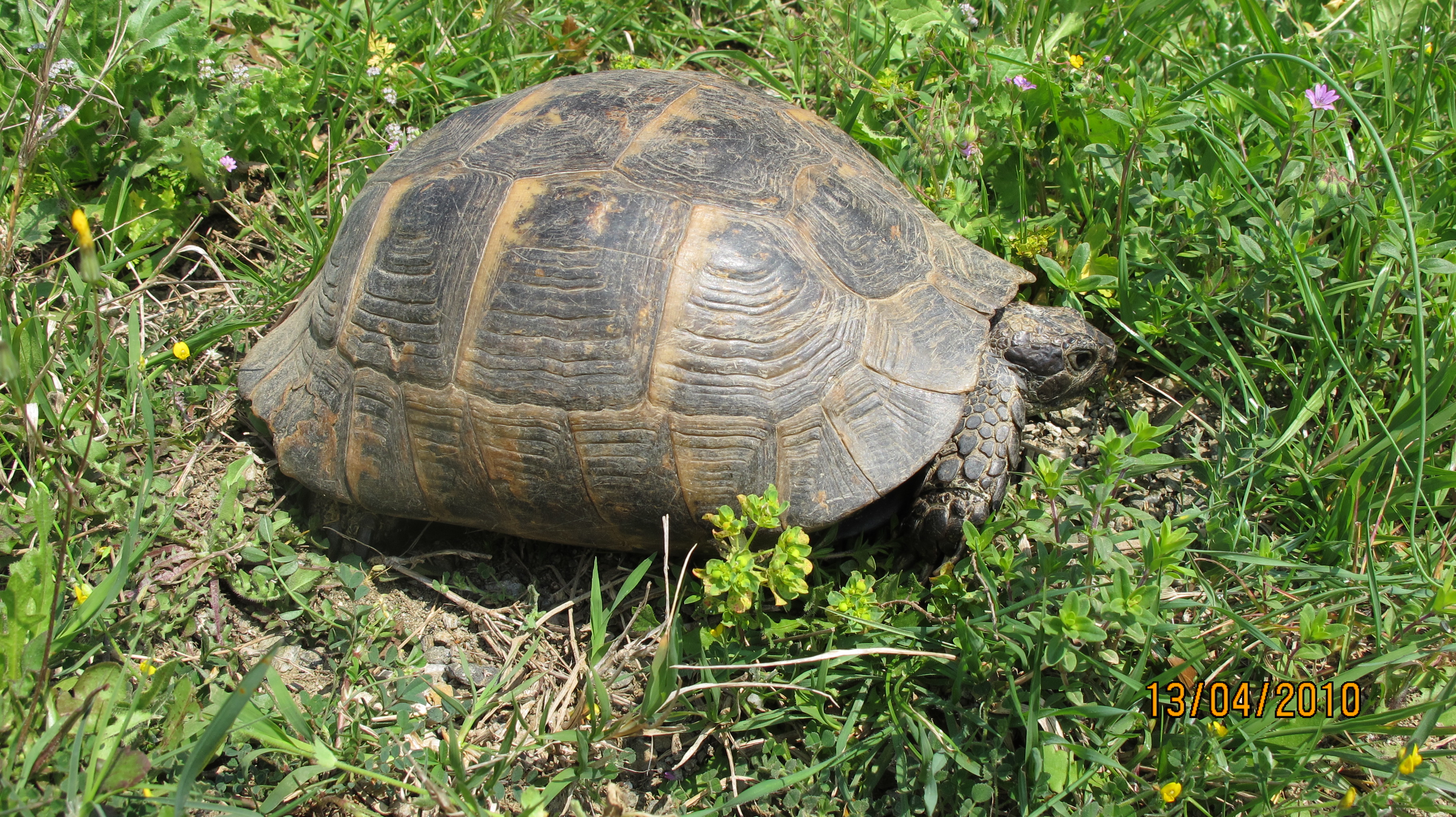
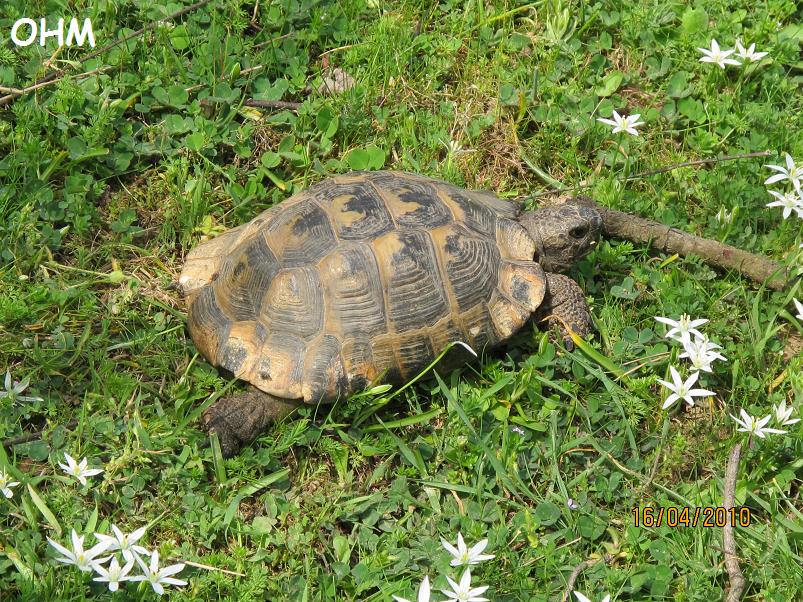
Så har den fine Terapene fundet et nyt hjem med masser af artsfæller. :D
Clearing Method
Because all the columns are floated, this layout uses a clear:both declaration in the .footer rule. This clearrders or background colors you place on the .container. If your design requires you to remove the .footer from the .container, you'll need to use a different clearing ing technique forces the .container to understand where the columns end in order to show any bomethod. The most reliable will be to add a <br class="clearfloat" /> or <div class="clearfloat"></div> after your final floated column (but before the .container closes). This will have the same clearing effect.
Clearing Method
Clearing Method
Because all the columns are floated, this layout uses a clear:both declaration in the .footer rule. This clearrders or background colors you place on the .container. If your design requires you to remove the .footer from the .container, you'll need to use a different clearing ing technique forces the .container to understand where the columns end in order to show any bomethod. The most reliable will be to add a <br class="clearfloat" /> or <div class="clearfloat"></div> after your final floated column (but before the .container closes). This will have the same clearing effect.
This is a image text
An image placeholder was used in this layout in the .header where you'll likely want to place a logo.
It is recommended that you remove the placeholder and replace it wuith your own linked log
Logo Replacement
An image placeholder was used in this layout in the .header where you'll likely want to place a logo. It is recommended that you remove the placeholder and replace it with your own linked logo.
hhhhhhhk
This is a imagetext
| vvvvv | |
| bbbb | |
ffff
Instructions
Be aware that if you use the Property inspector to navigate to your logo image using the SRC field (instead of removing and replacing the placeholder), you should remove the inline background and display properties. These inline styles are only used to make the logo placeholder show up in browsers for demonstration purposes.
To remove the inline styles, make sure your CSS Styles panel is set to Current. Select the image, and in the Properties pane of the CSS Styles panel, right click and delete the display and background properties. (Of course, you can always go directly into the code and delete the inline styles from the image or placeholder there.)mmm